
Works with Instagram, TikTok & Facebook
Turn Social Reels into Real Meals.
Mangiamo! converts social videos into real recipes — even when there's no written caption. Paste a link or screenshot, or upload the clip and we'll listen to the voiceover.
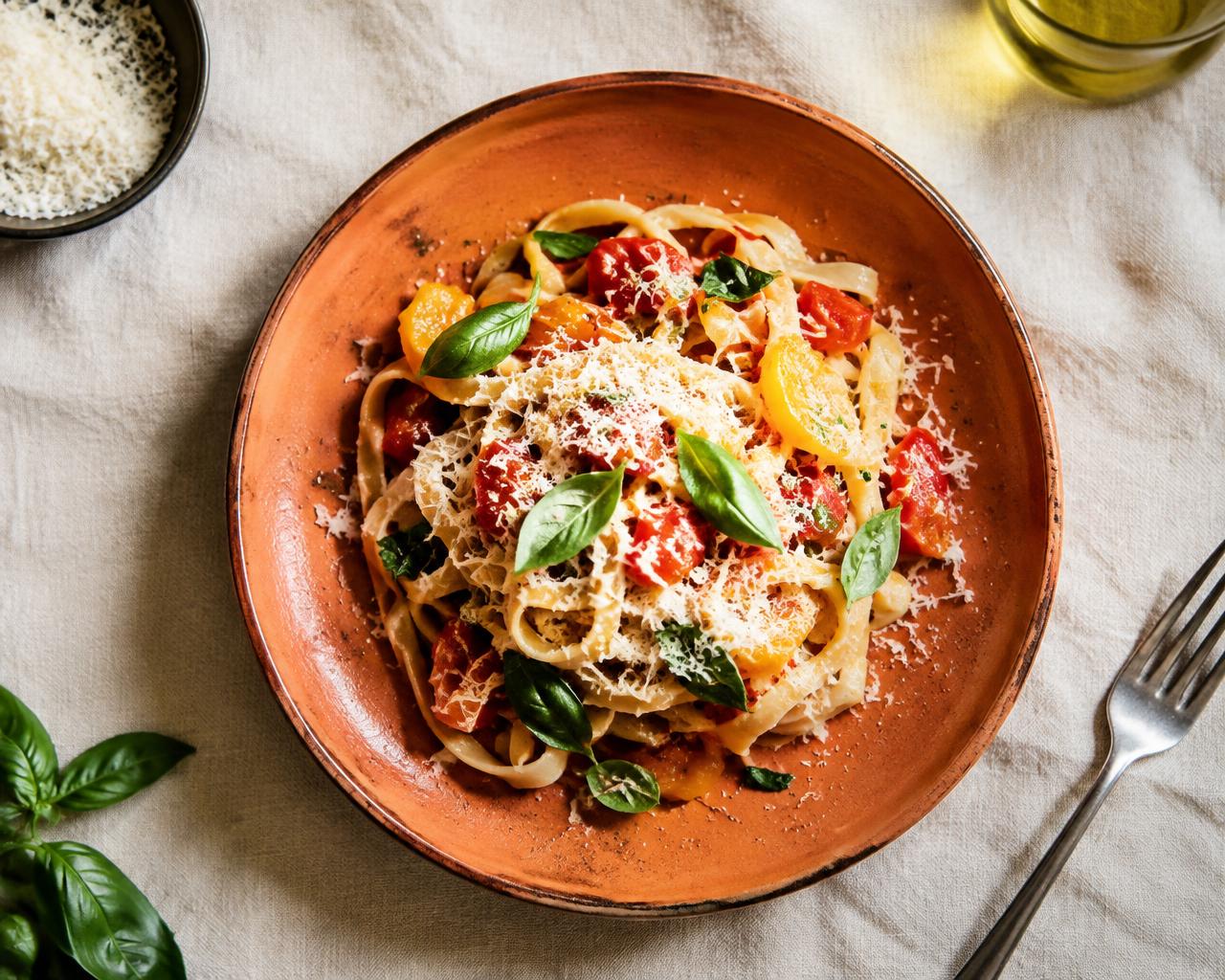
From scroll to stove
Try it — scale the servings and tick off the list.
15 min summer pasta 🍅🌿 tagliatelle, cherry toms, garlic, parm & basil. blister the tomatoes, toss, done!! save for later 👇 #pasta #easyrecipes
♥ 48.2k · Instagram Reel
Summer Tomato Tagliatelle
Prep 5 min · Cook 10 min · 2 servings
- 200 g tagliatelle
- 250 g cherry tomatoes
- 2 clove garlic
- ¼ cup parmesan, grated
- fresh basil
Everything your saved folder wishes it was
AI Recipe Extraction
Paste a Reel link, caption, or screenshot — get a clean written recipe.
Voiceover Audio Extraction
No caption on the video? Upload the clip and AI listens to the voiceover instead.
Smart Servings Scaler
Cooking for one or a crowd? Every quantity updates instantly.
Dietary Swap Assistant
“Make it gluten-free” — AI rewrites the ingredients for you.
Weekly Nudge Reminders
A gentle reminder to actually cook the things you saved.
Keep Screen Awake
Cooking mode keeps your phone on while your hands are floury.
Smart Grocery Export
Turn your saved recipes into an organized shopping list and export it straight to your favorite grocery app or phone reminders in one tap.
Simple pricing
Pro
$4.99/mo
- Unlimited AI extractions
- AI dietary swaps
- Weekly meal plan reminders
- Screen-awake cooking mode
Questions, answered
Captions, uploads, and what you get for free.
Save the clip to your phone from the platform's Share menu, then upload it in the import box. Mangiamo! pulls the audio out of the file, transcribes the voiceover and writes the recipe from what the creator actually said — no caption needed. Uploading a screenshot of the post works too.